
Module 3 · Plan the site
Six pages, and the notices every page carries
Stage 2 begins. Before anything is built, you decide which pages your site has, what sits at the bottom of every one of them, and which notice pages your practice needs. By the end of this lesson Claude has written the first half of site-map.md: the page list, the menu and the shared footer.
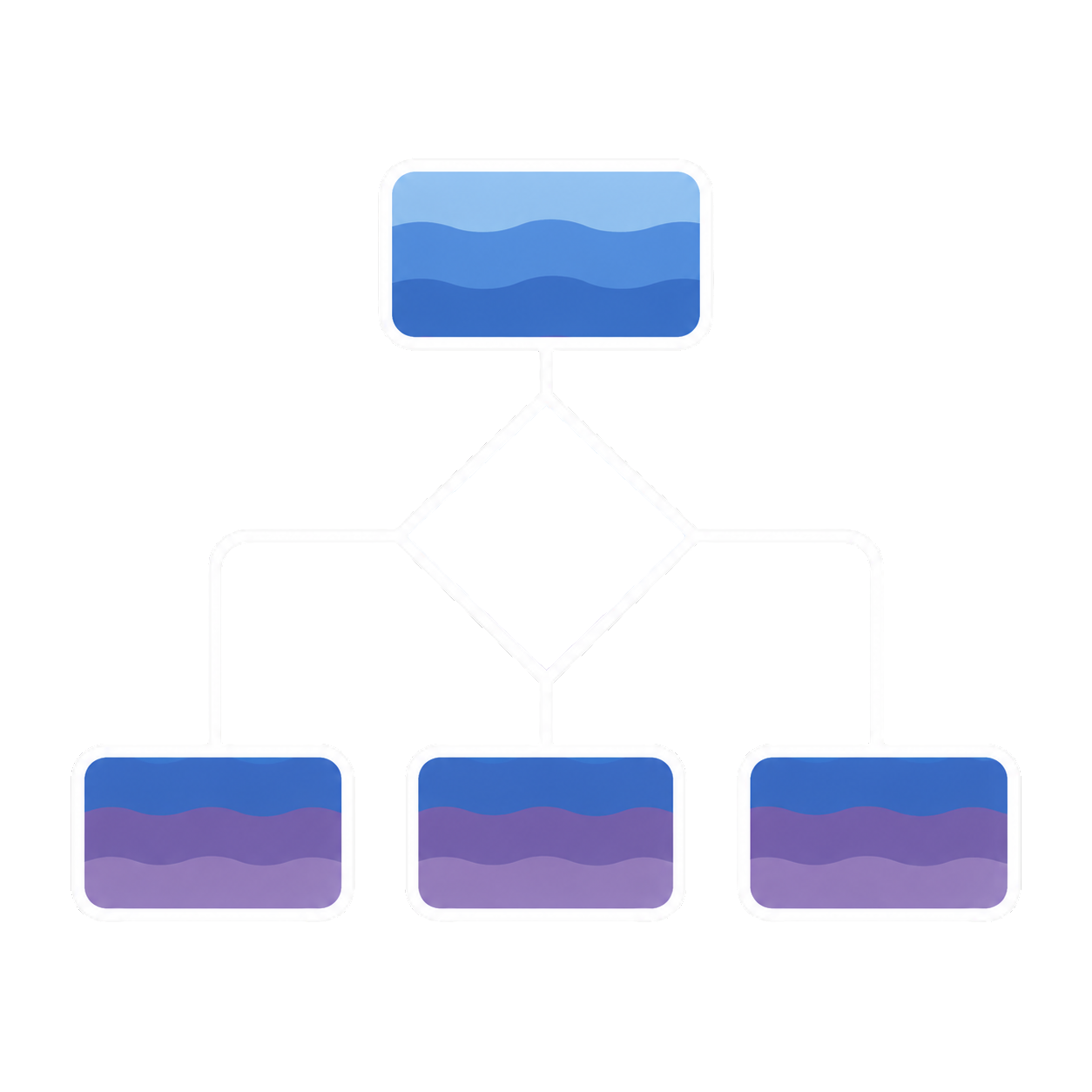
This lesson and the next one produce one file together. site-map.md is the blueprint Module 4 builds from: every page, every section, the final words and the notices. This lesson settles the structure. The next one settles the single thing every page asks a visitor to do. Both lessons happen in the same Claude conversation, one prompt each.
A small site is not a compromise
Someone who lands on your site has usually already found you somewhere else: a directory, a referral, a search for your name. They are deciding, not browsing. The questions they need answered are few and predictable: is this the same person, do they work with someone like me, what does it cost, are they taking people, and what happens if I get in touch?
Every one of those questions is answered by six pages. The people who build therapy websites report that the common failures are the opposite of too few pages: a booking step that is missing or buried, fees hidden inside a long FAQ, and a page for every diagnosis. Start small and true. You can add a page next month in a few minutes.
The six pages every practice starts from
| Page | Its one job |
|---|---|
/ | Home: let a visitor confirm in seconds they're in the right place, and see the next step |
/about | Meet the person: your photo, your credentials in plain words, how you work, a link to verify your license |
/fees | The fee as a number, superbills in plain words, your sliding-scale policy, and the Good Faith Estimate notice as real page text (Module 5) |
/what-to-expect | The free call, the paperwork, the first session, and how to pause or stop |
/contact | The crisis line first, what the call is and isn't, a short form, your phone number and your reply promise (Module 5 builds it) |
/policies | One page that links every policy document, so the footer stays short and each document has its own address |
Three more pages come with every tree, planned now and finished in Module 5: /thank-you (where the form lands), /privacy (your website privacy policy, which names every outside service the site uses) and /im-full. That last one is hidden: it isn’t in the menu and search engines are told to skip it. It’s the page you link from your openings line on the weeks your caseload is full, with the crisis block first and a few places to look instead.
What changes for your kind of practice
Your practice-profile.md from Module 1 already says which of these you are. Claude reads it and starts from the matching tree; you only need to recognize your row.
| If your practice… | The tree changes like this |
|---|---|
| Is in-network with insurance | /fees becomes /insurance-and-fees: the plans you’re contracted with today, written out in full words, what a client pays, how to check benefits, and your self-pay rate |
| Is a group of 3 to 15 clinicians | Adds /team (a card for each clinician) and one bio page per clinician at /team/[name], every bio using the same ten fields. If the practice matches people to clinicians, /what-to-expect becomes /getting-started |
| Sees clients online | Adds /where-i-practice (your states, dated; Module 4 writes it) and /online-therapy (what a video session needs, what happens if the connection drops, and that an emergency plan uses the client’s own local resources) |
| Prescribes | Adds /medication-policies (refills, contact between visits, how prescribing online works right now, all dated) and /new-patients. Medication policies are linked from the fees page too |
| Advertises addiction or substance-use treatment | Adds /notice-of-privacy-practices as its own page, linked near the top of the site as well as in the footer. What it must say is a Module 6 question |
Specialty pages: two to four, and each one has to earn its place
Ask an AI tool for “a therapy website” and it will cheerfully offer a page for every diagnosis and every town within thirty miles. Google’s own spam policies describe exactly that pattern: many near-identical pages made to rank rather than to help, including pages produced in bulk with AI. So the kit uses a test. A specialty page exists only if all five of these are true:
- People search for it by name: “couples counseling”, “postpartum anxiety”. Not “life’s challenges”.
- You center real work there: you’re trained in it, you see it often, and you’d take the client. A page for work you refer out produces calls you have to decline.
- It says something no other page says: who specifically, how the work differs, what sessions are like, who it isn’t right for. If the draft reads the same with the issue swapped, it’s one page, not two.
- It has a distinct practical detail: a different format, length, fee or first question.
- You can keep it true: every statement about your competence on it is one you’d stand behind in front of your board.
A solo clinician stops at four, and two is often right. Name each page after the issue or the service, never the result: “Couples counseling” and “Grief”, not “Relief” or “Peace”. A menu of results reads as a list of promises.
A page for an office a client can walk into earns its place: the address, parking, the entrance, whether the building is accessible. A page for a nearby town where you have no office is the same page with a word swapped. If you only see clients online, you have no city pages at all; /where-i-practice does that job.
The footer every page shares
A footer is the block at the very bottom of every page. On a therapy site it does more work than on most, because some of what it holds is there for a visitor’s safety and some of it depends on your practice’s flags. Claude plans it once and every page gets it.
| Part | What it holds |
|---|---|
| Crisis block | That the site isn't for emergencies; 988 as a tap-to-call link, text 988, the 988 chat link, and 911. The exact wording is fixed in the kit and never rewritten |
| Identity | Practice name, city and state (or "Online in [states]"), and your phone number as a tap-to-call link |
| License line | [Name], [letters] — [license title spelled out] ([State] #[number]), one line per license. Module 4 fills it in |
| Links | Fees & Good Faith Estimate · Website Privacy Policy · Accessibility Statement, plus the flag-dependent links below |
| Updated | "Last updated [Month Year]" |
The notice links your flags add
This table says where each notice goes and what in your profile turns it on. It does not say what any notice must contain; that wording comes from official sources, and Claude marks each one TODO-COMPLIANCE until Module 5 or Module 6 fills it.
| Notice | Where it goes | Applies if your practice profile says… |
|---|---|---|
| Good Faith Estimate | The body of the fees page as real text, plus a footer link | You have any self-pay clients, including people with insurance who choose not to use it |
| Notice of Privacy Practices | Its own page, a footer link, and the policies page | The HIPAA flag is on or "confirm" (you or a billing service send claims electronically) |
| Nondiscrimination & Language Assistance | A footer link and the policies page | The federal-funding flag is on or "confirm" (Medicare, Medicaid or other federal funding) |
| Consumer Health Data Privacy Policy | A link on the homepage itself, plus the footer and policies page | The Washington flag is on |
| State licensing board link(s) | The footer and the About page | The counselor board-link flag is on (you follow the ACA code) |
| Crisis block | The footer of every page, above the contact form, the top of /im-full, /online-therapy and /new-patients (when built), the thank-you page, and the 404 page | Everyone |
Any flag marked confirm or unsure gets its page planned anyway, marked TODO-COMPLIANCE, and listed as an open question. It is far easier to remove a finished page than to add one after launch.
Each notice switches on from a different fact about your practice, and several have exact wording that must not be improvised by you or by Claude. The compliance lesson (Module 6) has the rule and the exact text.
The menu, and what to leave out
Home is reached by clicking your name at the top, so it needs no menu slot. Fees always sit at the top level, because cost is the question people most need answered. On phones, the booking button and your phone number stay visible outside the menu icon.
| Practice | Menu |
|---|---|
| Solo | About · Specialties (if any) · Fees & Insurance · What to Expect · [Book a free 15-minute call] |
| Group | Our Clinicians · Services · Fees & Insurance · Getting Started · About · [Book a free 15-minute call] |
| Online sessions | Add "Where I Practice" |
| Prescriber | About · Services · New Patients (What to Expect, Medication Policies) · Fees · [Book a free 15-minute call] |
Leave out
- A testimonials page, review stars or a review widget
- A page per diagnosis, or per town without an office
- Menu labels that name results: "Relief", "Freedom", "Peace"
- Any line inviting people in crisis to call, text or email you
- Out-of-network reimbursement percentages
- Required notices that exist only as PDFs
- Symptom quizzes and self-scoring checklists
- Pop-ups, chat widgets, or anything that can cover the crisis block
- Advertising pixels, Google Analytics, session recording
- A blog at launch
Why
- Each ethics code has rules about testimonials and reviews; Module 6 has them
- Thin, near-identical pages; the five-part test above
- They read as promises about outcomes
- A private practice can't promise crisis response; the crisis block says the opposite
- No practice can know what one person's plan will pay
- Notices need to be real text a search engine and a screen reader can read
- They collect health information and imply an assessment
- Nothing is allowed to sit on top of the crisis block
- They report what visitors do on a mental-health site; Module 5 and Module 6 cover why
- The six pages come first, and you'll own every word of anything you publish
Have these ready before you paste the prompt
Claude will ask for real details rather than guess them, and it must not guess. Gather what you can now. Anything you don’t have yet goes into the plan in square brackets, where it stays visible until you fill it.
- Your practice name, and your name and letters exactly as you want them shown
- The phone number and email address the site will use, and your office address or "online only"
- Whether a home office address must stay private (then it never appears anywhere)
- Your fee, session length, sliding-scale policy and cancellation policy
- The insurance plans you are contracted with today, if any
- Your current openings, and today's date
- The reply window you can keep on your worst week, not your best
- Your county crisis line, if you want it in the crisis block
- Two or three colleagues you know are licensed, for the hidden /im-full page, or none
- Your directory profile links, and the license lookup page for each license you hold
The examples in your site’s copy are general or plainly made up. No client stories, no quotes, no “a client once told me”. If you want to describe what people bring to you, describe it the way you would to a stranger at a conference, not the way it sits in a chart.
Paste this into Claude
Open your project on the Code tab and start a new conversation for Stage 2. This prompt does the structure only and then waits for you. Replace the square brackets first.
Start Stage 2 — the page tree and footer
Let's start Stage 2 — my site map. Follow your web-architecture skill, and read
practice-profile.md and brand-strategy.md first.

For this first part, do only these three things, then stop:

1. Propose my page tree, starting from the tree that matches my practice profile, with
   one line on the job of each page. Include /thank-you, /privacy and the hidden
   /im-full. Specialty pages: only these, and no more than four: [the issues you
   actually center your work on, or "none yet"]. No pages for towns where I don't
   have an office. No blog and no testimonials page.

2. Plan the footer every page shares, and list the notice pages my flags turn on.
   For any flag marked confirm or unsure, plan the page anyway and mark it
   TODO-COMPLIANCE. Don't write the wording of any notice yourself.

3. Propose the menu.

Show me the page tree, the footer and the menu in plain words and wait for me to
confirm or change them. Once I confirm, write them into site-map.md (sections 2 and 4
of your skill's outline) and save a snapshot. Don't write page copy yet. Nothing
about any client goes into this file.
What to check: read the proposed tree against the tables above. You should see the six-page spine (or /insurance-and-fees in place of /fees), the additions for your practice shape, /thank-you, /privacy and /im-full, and no more than four specialty pages, each one you could defend with the five-part test. The footer should hold the crisis block, your license line and the notice links your flags turned on, with TODO-COMPLIANCE wherever a flag said confirm or unsure. If anything is there you didn’t ask for, say so before you confirm. This is your plan; Claude drafts it and you decide.
Claude added a blog, a testimonials page, or a page for every condition. Say: “Remove the blog and the testimonials page, and cut the specialty pages to the ones I listed. The web-architecture skill’s leave-out table explains why.” Then check the tree again.
Claude wants a page for each nearby town. Say: “Only one location page per office a client can actually walk into.” If you only see clients online, say “no location pages at all.”
Claude started writing notice text itself. Say: “Delete that wording and put a TODO-COMPLIANCE marker there instead. The exact text comes later from an official source.”
Claude says practice-profile.md or brand-strategy.md is missing. It is right to stop. Check you are in your project folder; if you are, the file really is missing, and the Module 1 kickoff or the Module 2 brand stage needs to run first.
site-map.md exists in your project folder with a page tree you confirmed, a menu, no more than four specialty pages, and the shared footer: crisis block, license line, and the notice links your flags turned on, each unfinished one marked TODO-COMPLIANCE. Claude has saved a snapshot and is waiting. Keep this conversation open for the next lesson.
- Six pages answer every question a deciding visitor has; add pages only as they earn it.
- Two to four specialty pages at most, each passing all five tests, named for the issue, never the result.
- Every page shares one footer: the crisis block, your license line and the notice links your flags turn on.
- Notice wording is never improvised; unfinished ones are marked TODO-COMPLIANCE for Modules 5 and 6.