Start here
Your (tiny) toolkit
The whole weekend runs on a surprisingly short list of tools — most of them free, none of them hard. Set up your accounts now, in the next ten minutes, and you’ll never have to break your flow mid-Saturday to sign up for something. Let’s also have the one honest money talk up front, so nothing surprises you later.
Your (tiny) toolkit
Here’s everything you’ll touch this weekend, and the one line on why each earns its place:
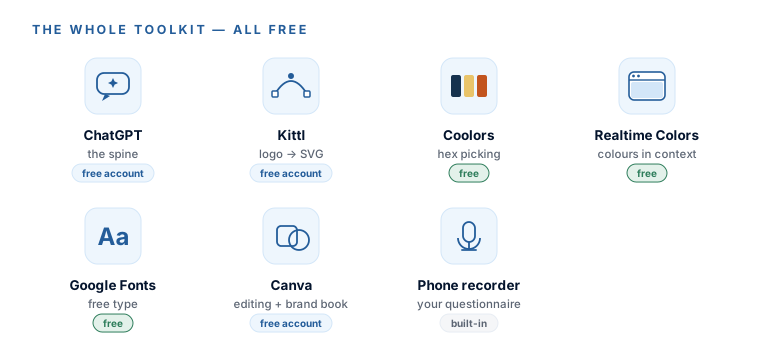
- ChatGPT — the spine of the course. It generates your logo concepts, your palettes, your mockups, and it doubles as your design mentor. Set up a free account at chatgpt.com.
- Kittl (kittl.com) — turns your finished logo into a true SVG vector in a couple of clicks. A free account is all you need for the converter. (Module 3.)
- Coolors (coolors.co) — the fastest way to shuffle your way to a harmonious colour palette. No account needed to start. (Module 4.)
- Realtime Colors (realtimecolors.com) — drops your exact colours onto a live website mockup so you can see them in context before you commit. Free, no account. (Module 4.)
- Google Fonts (fonts.google.com) — every font you’ll use, free forever, no account. (Module 5.)
- Canva (free) — the layout tool for editing images and building your brand book. Free account at canva.com. (Modules 6–7.)
- Your phone’s voice recorder — you already own it. It’s how you’ll capture your brand strategy in the very next module. Nothing to install.
In Module 3 we’ll mostly use Kittl to make your SVG, but a free Adobe account gives you a solid backup pair of tools — a background remover and an image-to-SVG converter, both free. Worth grabbing at adobe.com if you want a plan B. Not required.
The one honest money talk
This is a “free tools” course, and it stays that way — with exactly one honest asterisk, and it’s worth thirty seconds now so it doesn’t ambush you on Saturday afternoon.
The logo step (Module 2) works by generating a lot of concepts — you’ll browse 40 to 60 directions and then run several rounds of variations. That’s the magic of it. But ChatGPT’s free tier only makes about 2–3 images a day — nowhere near enough to run that loop in a weekend. So here’s the honest choice, laid out plainly:
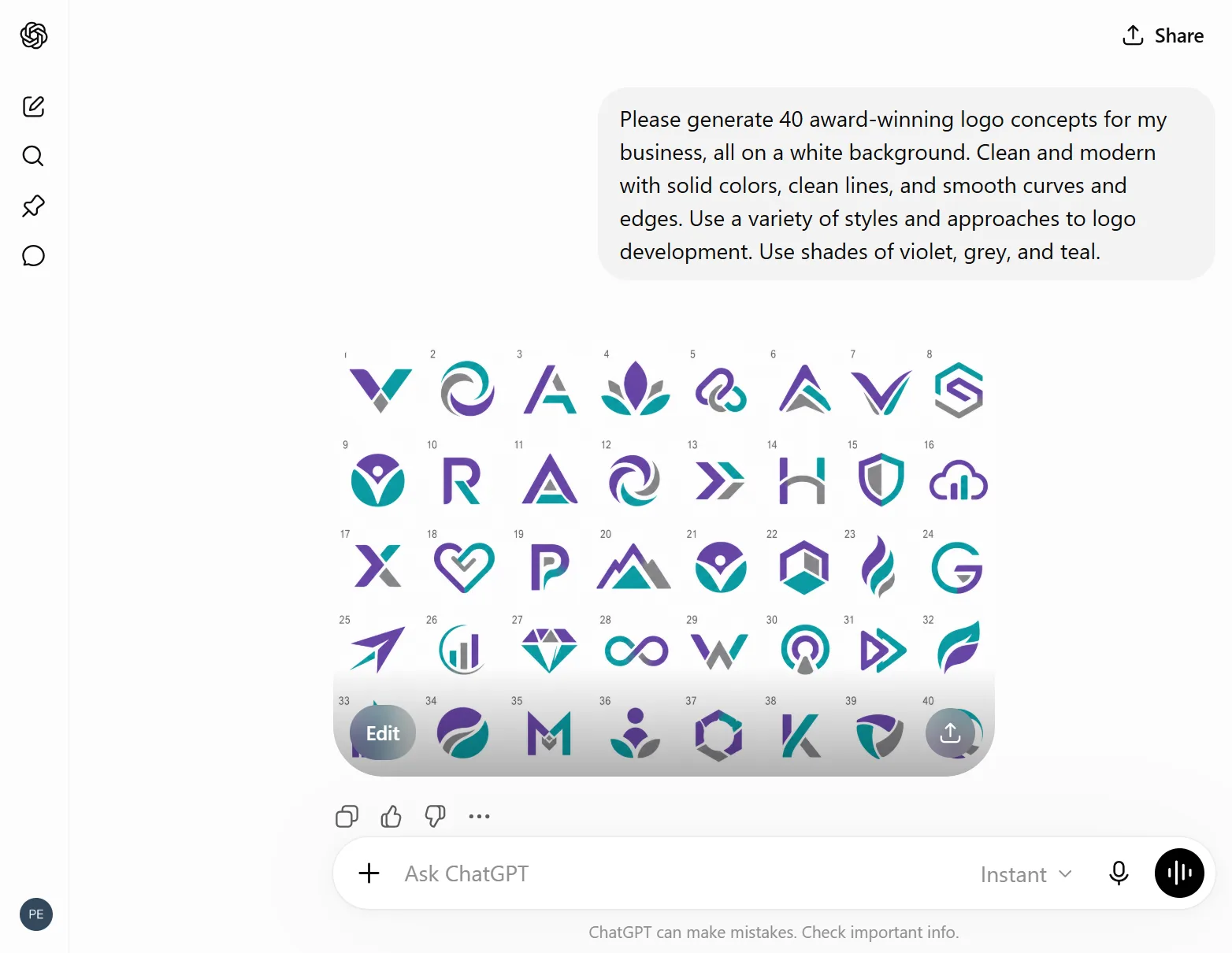
- Option 1 — the cheap accelerant. One month of ChatGPT Plus, $20, then cancel after the weekend. Plus gives you roughly 50 images every three hours — the whole logo loop runs like butter. Twenty bucks, once, optional. Genuinely the only bill this course might ever hand you.
- Option 2 — stay 100% free. Run the high-volume image steps in one of your two escape hatches instead (below). Same prompts, no card, a little more clicking.
Option 1 — $20 Plus for one month
- About 50 images every few hours — the logo loop runs like butter
- The whole weekend in one tool, nothing to switch between
- Cancel the moment the weekend ends — one month, done
- The only bill this course might ever hand you
Option 2 — 100% free
- Ideogram 3.0 for logo volume (best anywhere at text inside a logo)
- Google Gemini for quick mockups
- The exact same prompts — just more window-switching
- $0, forever
Your escape hatches (free image volume)
These two are free, they take the exact same prompts you’ll learn in Module 2, and they’re genuinely excellent. Keep them in your back pocket — we’ll point back to them whenever the image count gets heavy (Modules 2 and 4):
- Ideogram 3.0 (ideogram.ai) — free, roughly 10 prompts a day (that’s ~40 images), and it’s the best tool anywhere at spelling words correctly inside a logo. If your logo needs your business name as clean text, this is your friend.
- Google Gemini (gemini.google.com) — free, excellent image quality, and effortless for quick mockups. Same prompts, drop them straight in.
You don’t have to decide right now. Every image prompt in this course is written to work in ChatGPT, Ideogram, and Gemini. Start in ChatGPT; if you hit the wall, paste the same prompt into an escape hatch and keep going. We’ll remind you at the exact moment it matters.
- Free ChatGPT account created (chatgpt.com).
- Free Kittl account created (kittl.com).
- Free Canva account created (canva.com).
- Bookmarked: coolors.co, realtimecolors.com, fonts.google.com.
- Decided your image-limit plan: $20 Plus for the weekend, or free via Ideogram/Gemini.
- Your phone is nearby — you’ll record with it in the next module.
Every account is set up, and you’ve made a calm, eyes-open decision about the image limit before it could ever surprise you. That’s the whole setup. Next: the single most valuable habit in the course.