Module 2 · Your Logo, Part 1: Find "The One"
Do you actually own this? The 15-minute sanity check
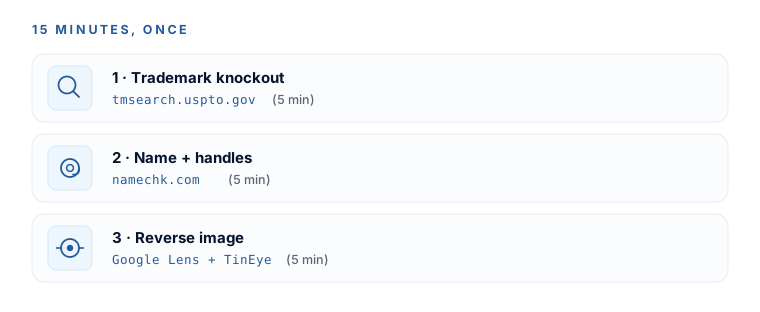
Deep breath — this is the calm lesson, not the scary one. For a normal small business, you’re fine. You own what the AI made you (the tools say so in writing), and there’s a simple 15-minute check that keeps you fine. Three quick searches, five minutes each, run once, right before you commit to the name and logo you’re about to build a business on.
Yes, you can use it commercially
Both ChatGPT and Claude hand you ownership of what you generate — free plans and paid plans alike. OpenAI’s terms literally say, under Ownership of content: “you… own the Output. We hereby assign to you all our right, title, and interest, if any, in and to Output.” Anthropic’s Claude terms say the same. Translation: the tool isn’t going to come after you for using the logo it made you.
The honest asterisk (and why it barely matters)
Notice “if any.” A company can only hand you rights that exist — and in January 2025 the US Copyright Office confirmed that a purely AI-generated image (where a human just typed a prompt) can’t be copyrighted, because copyright needs human authorship. That sounds alarming. It isn’t, for three reasons:
- Copyright isn’t what protects a brand anyway. Trademark is — the protection you build by using your name and mark in business. A local café or plumber almost never needs image-copyright at all.
- “Not copyrightable” is not “illegal to use.” You can sell it, print it, put it on everything. You just can’t sue someone for copying the exact image on copyright grounds — a situation that rarely arises for a small local brand, and one trademark covers better.
- Your iterate-and-modify loop is the fix. Every tweak, recolor, and round you pushed in the last three lessons made the mark more distinctive and more human-authored. You didn’t type one prompt — you shaped it.
Never prompt for someone else’s brand — no “make it look like the Nike swoosh,” no real trademarked characters or celebrities. No ownership clause fixes copying a protected mark. The accidental-lookalike case is exactly what Check 3 below catches.
Check 1 — Trademark knockout search (~5 min)
- Go to
tmsearch.uspto.gov— no account needed to search. (The old “TESS” system was retired in 2023; ignore any tutorial that still says to use it.) - Type your exact business/brand name and search.
- Then search close variations — different spellings, plurals, and words that sound alike (“Brite” vs “Bright”). The sound-alikes are where beginners get tripped up.
- For each hit, check two things: is it LIVE (not dead/abandoned), and is it in a related industry to yours?
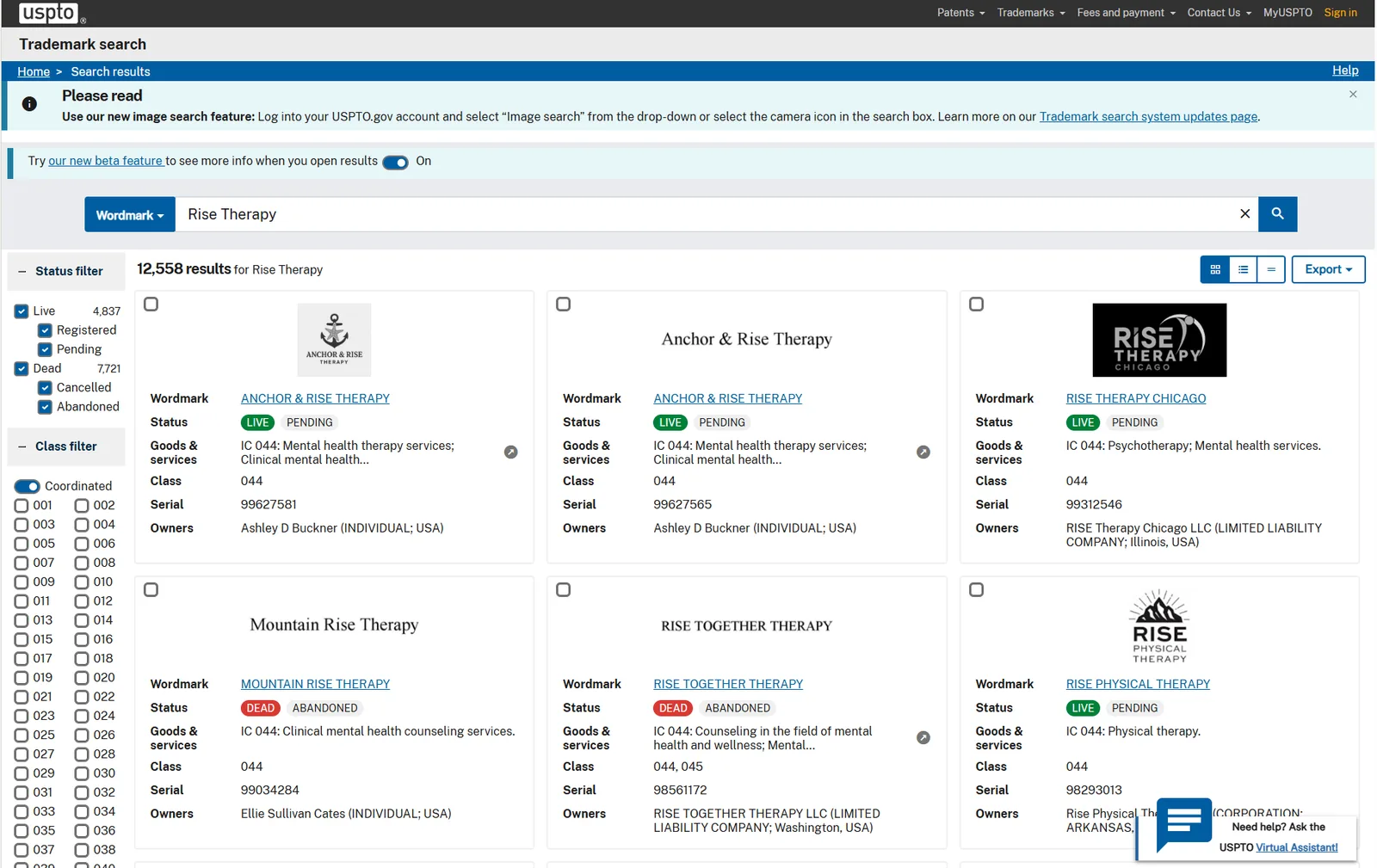
A live, confusingly-similar mark in your space is the red flag — that’s “likelihood of confusion.” The same word in a totally unrelated industry is usually fine. No live look-alike in your field → clear enough to proceed with confidence. A close hit → change the name, or get an attorney’s opinion before you print anything.
Check 2 — Name, domain & handle scan (~5 min)
- Google the exact name in quotes, plus your city or industry — you’re looking for a business already using it prominently near you.
- Go to
namechk.com, type the name once, and it scans the domain plus Instagram, TikTok, X, YouTube, Facebook, LinkedIn and 90+ more in one shot. (No signup.)
You don’t need every handle free. But a name where the .com and all the main handles are already taken by active businesses is a signal to keep iterating — for legal calm and for being findable.
Check 3 — Reverse-image your final logo (~5 min)
This catches the nightmare case: your AI mark accidentally resembles an existing one.
- Save your final logo as a PNG.
- Google Lens (first pass): go to
google.com, click the camera/Lens icon in the search bar, drag your logo in, and review both the exact and the “visually similar” results — a look-alike is what you’re hunting, not just an exact copy. - TinEye (second pass): go to
tineye.comand upload the same image. TinEye is best at finding exact or edited copies already circulating online.
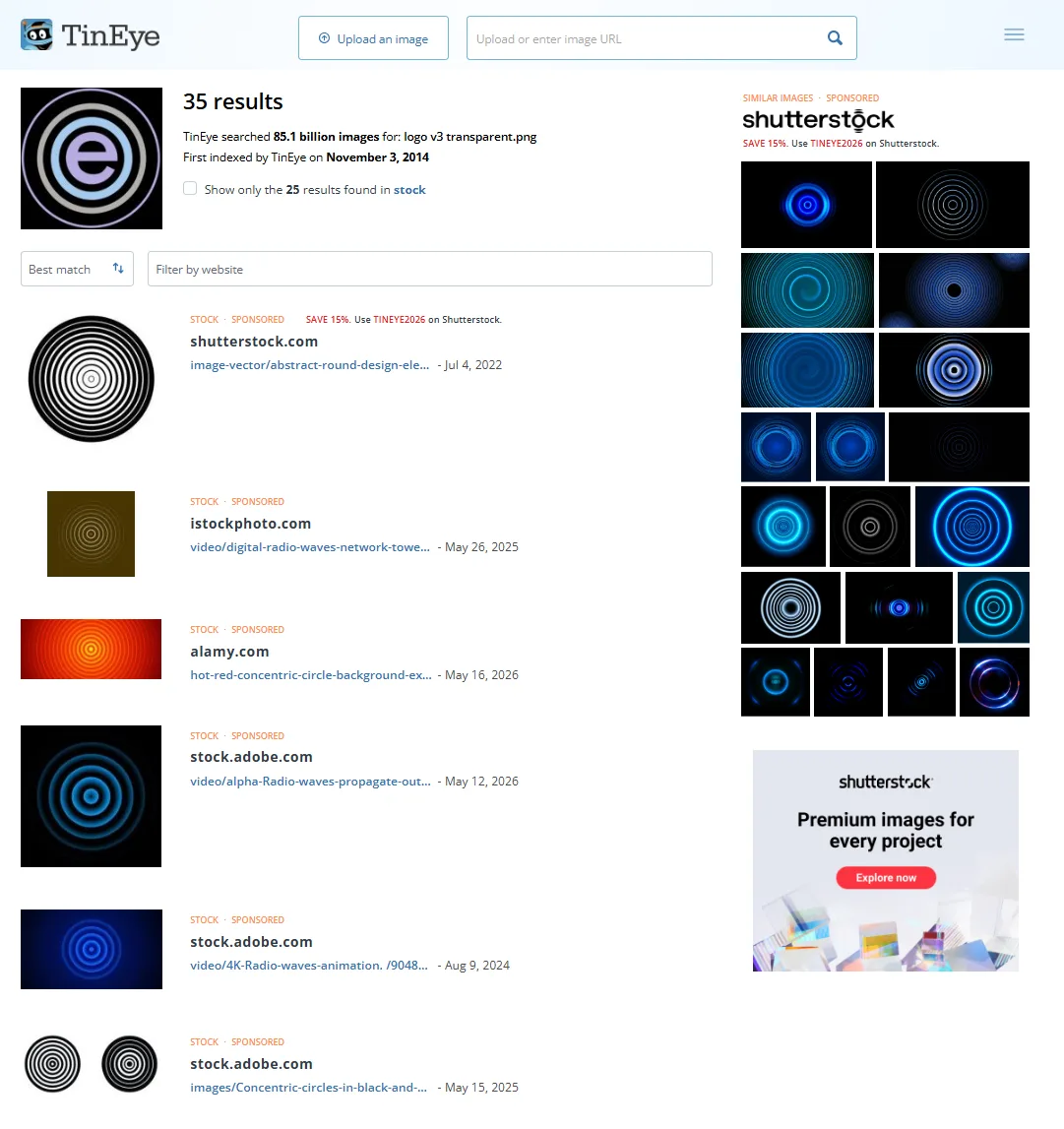
What you want to see: no established company using a strongly similar mark in a related field. If a real brand pops up looking close, run the variation loop again and push your logo somewhere more distinctive before you commit.
When to actually call a lawyer
One line, and it’s the whole legal-budget conversation: do the free knockout search yourself for early candidates — but the moment a name is a finalist you’ll put on signage, invest real money in, or expand beyond your town (or your own search turned up a live, similar mark in your industry), pay a trademark attorney for a proper clearance search before you file or print. Until then, the 15-minute check is exactly the right amount of diligence.
You’re calm about rights (you own it, and copyright barely matters here), and you’ve run three quick checks that catch the obvious collisions. Your name and logo are cleared for a normal small business. Module 2 done — now let’s turn that mark into real files.
Watch this step
A click-by-click walkthrough of doing your own trademark knockout search and spotting conflicts — Check 1 above, done on screen. It’s from an independent creator — credited below, so go give them a follow.
Checking Trademarks Step-By-Step Tutorial For Print On Demand On Etsy - UPDATED New USPTO Website
More learning resources
Still want another angle? These are hand-picked and vetted to line up with this lesson — from creators and sites worth your time.